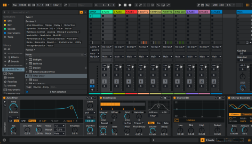
ALEC (Ableton Live Extra Controls) is a Windows application that adds new keyboard and mouse controls for interacting with Live.
By using two special keys configurable to the user’s liking, together with the ALT / CONTROL / SHIFT keys and the mouse buttons, it allows to perform a series of different actions in Live. Some are new, while others are native to Live, but performed more efficiently.
All features can be individually enabled in the app settings. Customize ALEC so it doesn’t interfere with your current workflow.
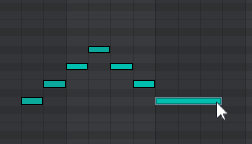
Insert MIDI notes and modify envelopes/automation as if Live’s Draw Mode were active. Delete items located under the mouse cursor with a single click. Move and resize items using the mouse wheel along with different keyboard shortcuts. And more actions detailed in the online manual.
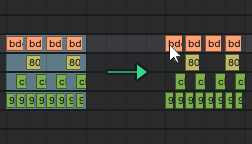
Easily duplicate selected items to any location. Items are inserted at the mouse cursor position and can be MIDI notes, clips, automation, tracks, devices…
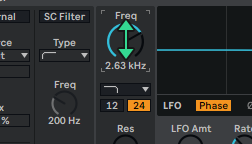
After clicking on any Live parameter to put focus on it, the mouse wheel can be used while pressing a special key to change the parameter value. For eye free adjustments.
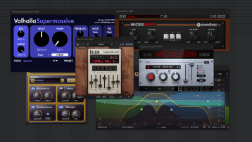
Close all open VST and VST3 plugin windows with a single keyboard shortcut. Or close only the active plugin window with a single keystroke. Showing/hiding all open plugin windows is also done with a single keystroke.
Use a single key to switch between Clip/Device views (forget SHIFT+TAB) and show/hide different interface views with simpler keyboard shortcuts than Live’s native ones.
Check the online manual for detailed information about all features.